Home / Dirt Town guides
Dirt Town guides
These guides answer one job each: finish the demo objectives, learn the first controls, hook a chain, cut a road that holds a loaded hauler, earn mission money, or shape a dirt-bike track. They quote Steam’s own feature lines and the mission text visible in official screenshots. They do not invent button maps the store never printed.
Start with the demo
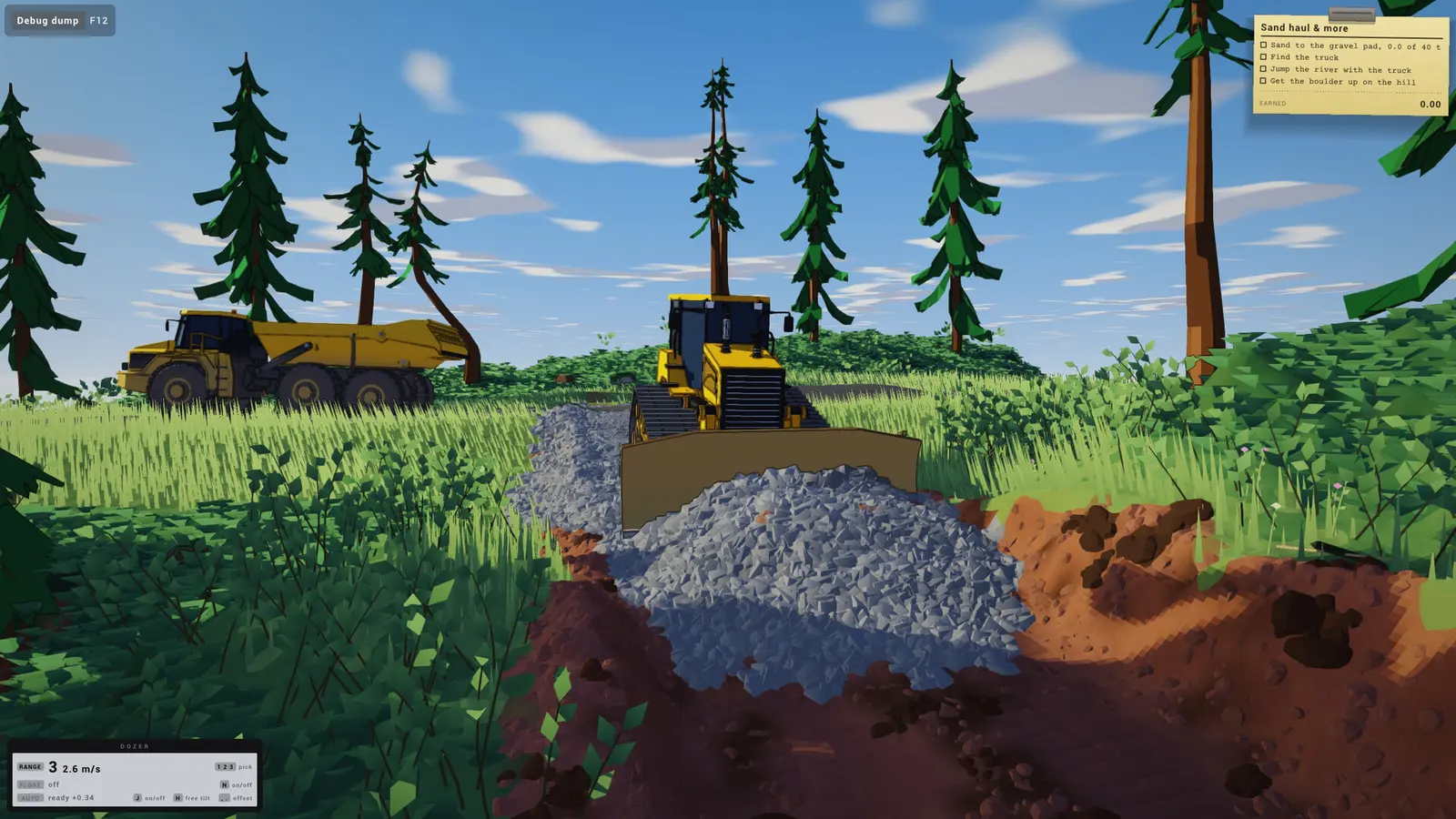
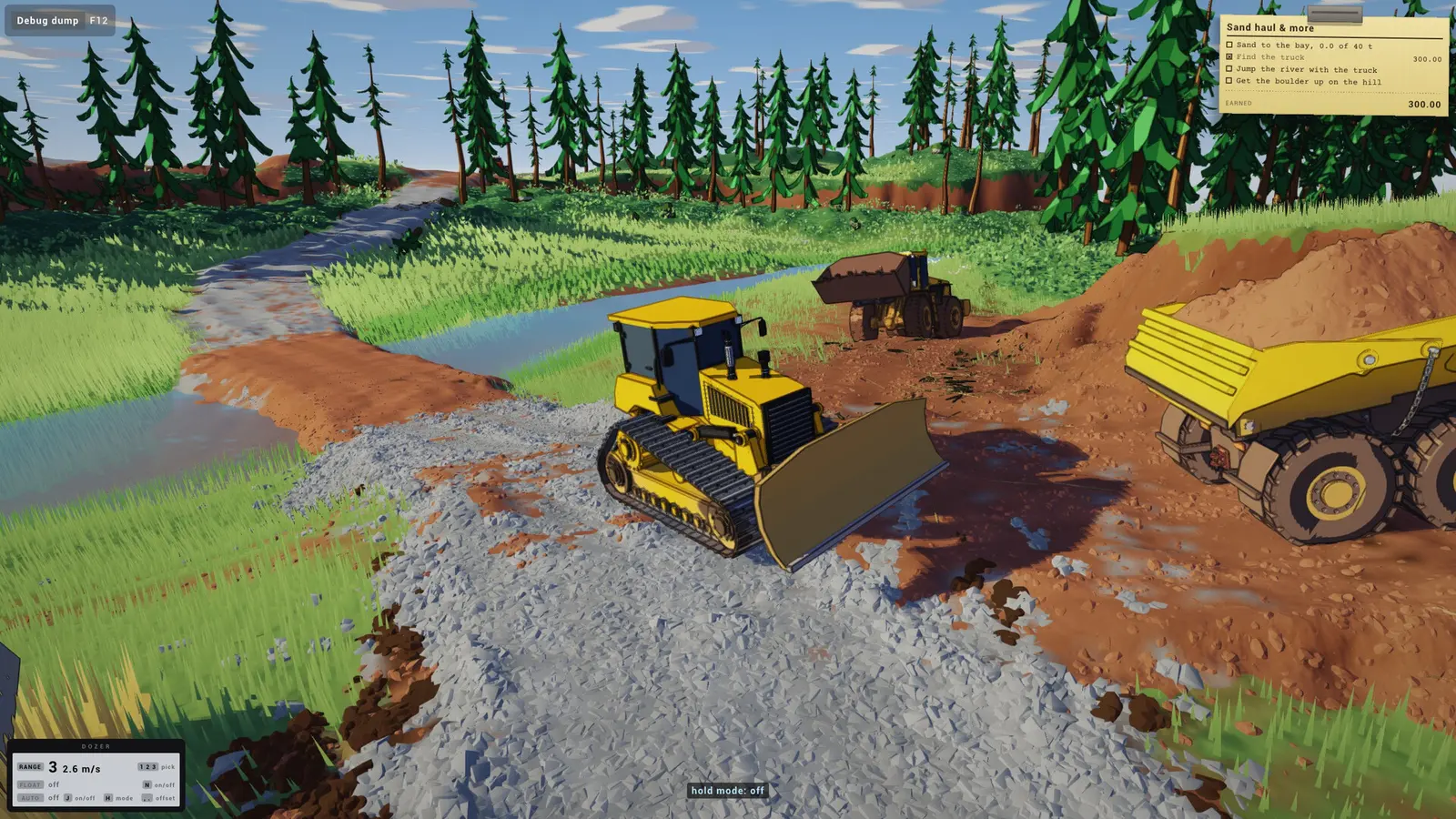
If you have not installed anything yet, the walkthrough follows the four goals on the demo store page: a road to sand, a haul that tests that road, a hidden vehicle, and a river jump. Screenshot mission boards use slightly different nouns for the same haul, so the walkthrough prints both wordings instead of merging them.
Beginner tips sit beside that walkthrough. They cover the HUD tokens that are actually readable in store screenshots — range gears, the hook prompt, auto and float on the dozer — and the mistakes those frames imply, such as treating sand like clay.
Jobs the store page already names
Winch searches are really about towing chains and the hook prompt. Road building is the auto-level system: set sticks, then let the dozer hold a slope. Money is missions plus harvested resources, with conveyors and a compactor named as later purchases. The dirt-bike track is a side mission the store lists next to cliff jumps and swamp drains.
Machine prices are blank on every one of these pages. No screenshot and no FAQ line gives a dollar or an in-game cost for a loader or a dozer. When a number is missing, the cell stays empty.
Questions people ask
Is this a full wiki of every mission?
No. The public mission text is the demo board plus the side jobs named on the store page. Later contracts are not posted yet.
Which guide should I open first?
Install the demo, then the walkthrough. Open towing or roads when that objective is the one in front of you.
Sources
Last verified:
- Steam — Dirt Town — checked 2026-11-16
- Steam — Dirt Town Demo — checked 2026-11-16